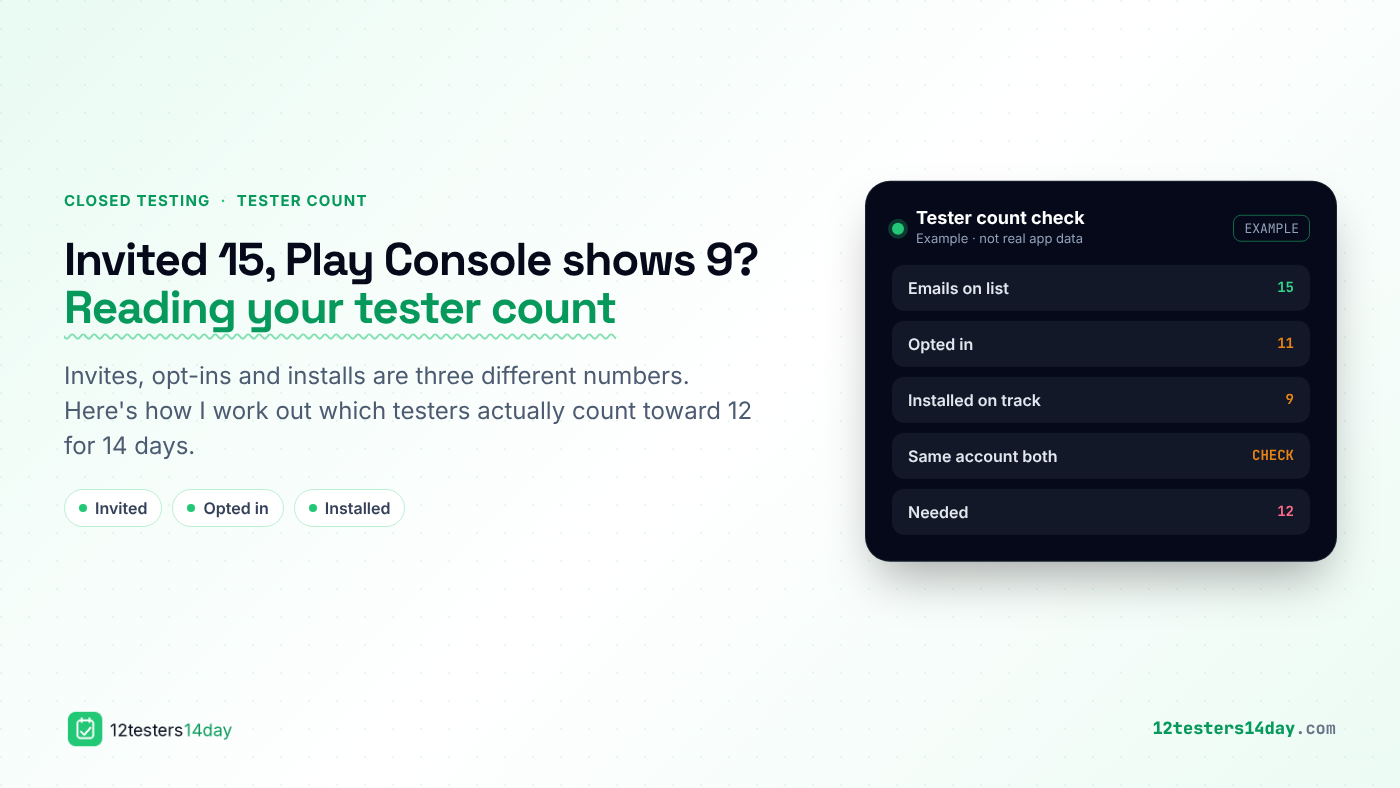
You put 15 email addresses on your closed testing list, feel safely above Google's 12, and a few days later the numbers don't add up. Fewer people opted in than you invited, and fewer still have the app installed.
I've had this happen more than once, and it's worth sorting out early. Newer personal developer accounts need at least 12 testers opted in to a closed track for 14 continuous days before they can apply for production access. If you only find out on day ten that you're short, the clock effectively starts over.
Here's how I read the gap and close it.
Invited, opted in and installed are three different numbers
The email list in Play Console is just who you've allowed to join. Nobody is a tester until they open the opt-in link and accept it. Then, separately, they still have to install the build from the Play Store.
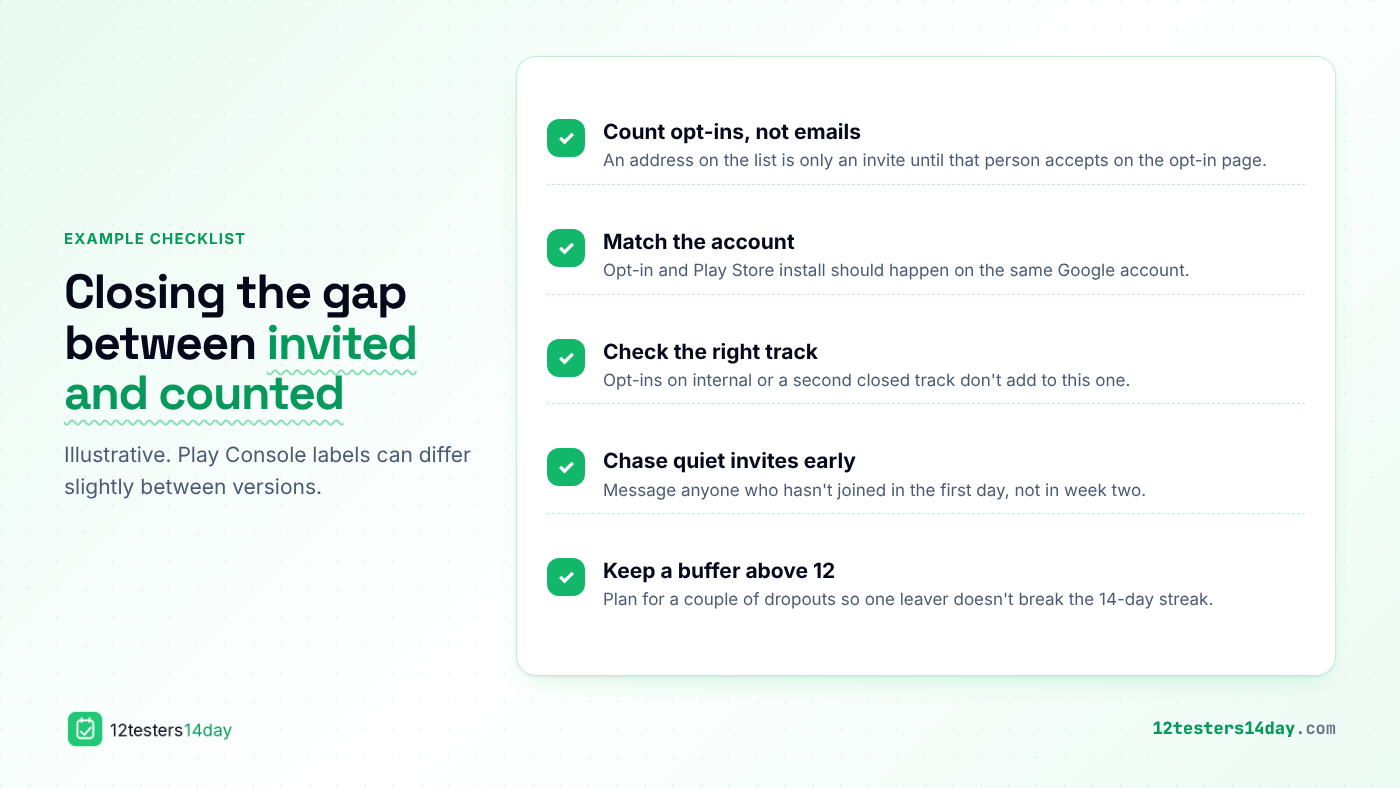
So when I count, I count opt-ins, not addresses. An address that never accepted the invite doesn't help, no matter how long it's been on the list.
The opt-in and the install happen on different accounts
This is the most common reason my numbers drifted. A tester accepts the opt-in in a desktop browser signed in to their work Gmail, then installs on a phone where the Play Store uses their personal account.
I now ask every tester to open the opt-in link on the phone they'll test on, and to check which account the Play Store is using before they tap Install. It saves a lot of back and forth.
Some opt-ins landed on the wrong track
If you've run an internal test, or you have more than one closed track, it's easy to share the wrong opt-in link. Those testers joined something, just not the track you're counting.
I keep one closed track for the 14-day run and share only that track's link. If I've used other tracks before, I double-check the link in the message I'm sending.
Quiet invites are the ones to chase
Most people who are going to join do it in the first day. The ones who haven't by then usually missed the email, opened it on the wrong account, or forgot.
I message anyone who hasn't joined within the first day with a short, friendly nudge and the link again. Chasing in week two is too late, because their 14 days only start once they're in.
Plan for dropouts from the start
Even with everyone in, a tester or two may leave halfway: a new phone, a factory reset, or they simply uninstall. If you're sitting at exactly 12, one leaver breaks the run.
That's why I aim for a buffer above 12 from the start, and keep notes on who joined and when. If you want to see how a managed run handles that buffer and the 16-day calendar, there's a short walkthrough of how a dropout was recovered mid-test.
Quick recap of my order
- Count opt-ins, not emails on the list.
- Make sure each tester opts in and installs on the same Google account.
- Confirm everyone joined the closed track you're actually counting.
- Nudge anyone who hasn't joined within the first day.
- Keep a buffer above 12 so one dropout doesn't reset your 14 days.
None of this changes what Google decides when you apply for production. It just makes sure the 12 testers you think you have are really there for all 14 days.
Comments
Join the discussionNo comments yet. Be the first to comment.