Internal, Closed or Open Testing: Which Track Counts for 12 Testers and 14 Days?
Only the closed track counts. Here's how to check your testers are on it before you apply.
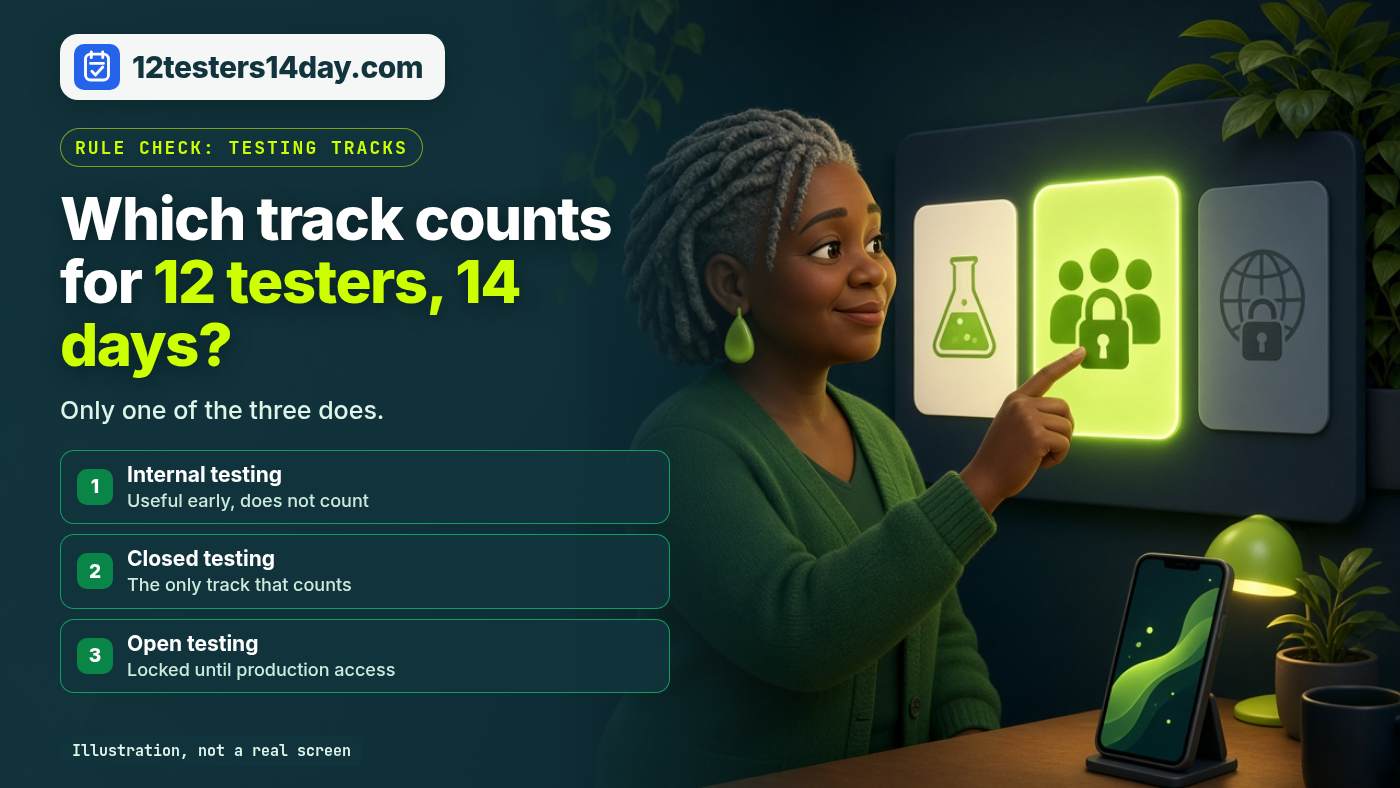
Short answer: only a closed test counts. If your personal developer account was created after November 13, 2023, Google wants at least 12 testers opted in to your closed test, each opted in continuously for the preceding 14 days, on the day you apply for production access. Testers on internal testing don't count toward that number, and open testing isn't even available to you until production access is granted.
That sounds simple, but a lot of first-time developers lose a week or two because their testers were sitting on the wrong track. Here's how the three tracks actually behave for a new personal account, and how to check you're on the right one.
The three testing tracks, in plain words
Play Console shows these under Test and release > Testing.
Internal testing. A quick way to get a build onto a few trusted phones. Google describes builds as normally available within seconds, and you can use it before your app setup is finished. It's handy for a smoke test on your own devices. It does nothing for the 12-tester requirement.
Closed testing. A test you control, with testers you add by email list or Google Group. You can start it once your app setup is complete. This is the only track Google looks at when it checks the 12 testers and 14 days.
Open testing. Anyone can find and join your test on Google Play. For new personal accounts it stays locked until you've been granted production access, so it can't be used to collect the first 12 testers.
If you want 12 people opted in to a closed track without recruiting and chasing them yourself, 12testers14day.com runs a managed closed test: the Basic plan is 14 verified testers for 16 calendar days on one app, which leaves a buffer over Google's minimum. Google still makes the production decision.
The mistakes we see most
Testers joined internal testing instead. The internal and closed tracks each have their own tester list and their own opt-in link. If you sent people the internal link, they're internal testers, however long they stay. Moving to closed testing means adding them to the closed track's list and having them opt in through the closed track's link. Their 14 days start from that closed opt-in, not from the day they joined internal.
The closed track has no release yet. Testers need something to install. Create a release on the closed track, roll it out, and wait for it to clear review before you send the opt-in link. Until then the link isn't much use to them.
Two closed tracks, testers split between them. You can create more than one closed track. If half your testers are on one and half on another, check each list in Play Console rather than assuming they add up the way you expect. Keeping everyone on one closed track is the simplest way to know where you stand.
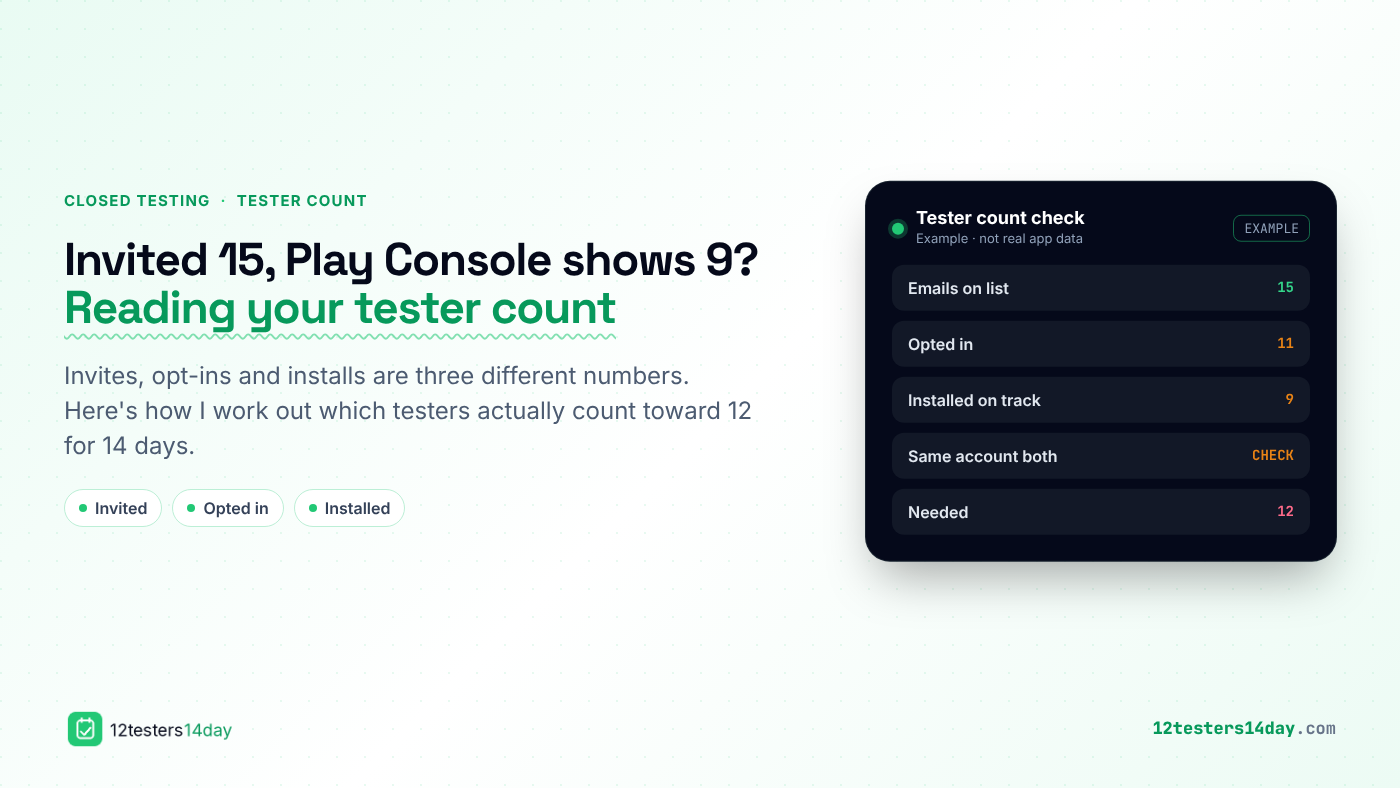
Counting invites instead of opt-ins. Adding an email to the list isn't the same as that person accepting. What matters is people who opened the opt-in link and became testers, and who stayed opted in.
Someone left and rejoined. Google's FAQ is clear on this: a tester who opts out before 14 days doesn't count, and if they opt back in later the 14 days have to be consecutive again. A replacement tester starts their own 14 days on the day they opt in.
A quick check before you apply
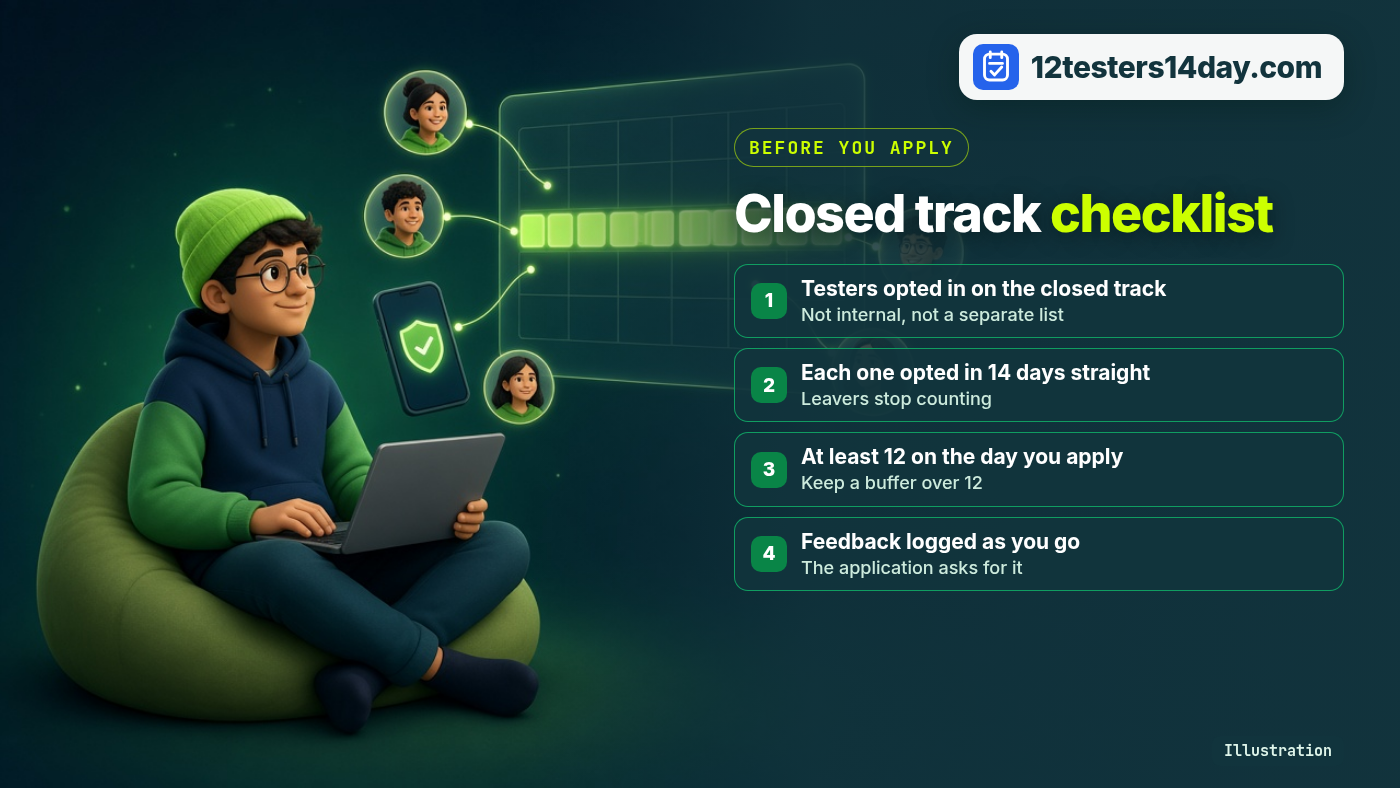
- Open Test and release > Testing > Closed testing and confirm the track you think is running has an active release.
- Look at the tester list on that same track, not the internal one.
- Work out, for each tester, when they opted in. You want at least 12 with an unbroken 14 days on the day you apply, and a few spare is safer than exactly 12.
- Keep notes on feedback while the test runs. The production access form has an "About your closed test" section that asks how you recruited testers, how they engaged and what feedback you got, plus a section on what you changed.
If any of those fail, fix the track first. Applying early only gets you a "more testing" outcome, and Google's help page lists fewer than 12 opted-in testers and weak engagement as reasons it may ask you to keep testing.
What internal testing is still good for
Don't skip it entirely. Push each new build to internal first, install it on your own phone, and make sure it launches, signs in and doesn't crash on the first screen. Then promote the build to the closed track. Your closed testers get a cleaner build, and you don't burn days of the 14 on a broken release.
If you're still unsure which track your testers are on
The fastest fix is to open the closed testing track, look at who's actually listed there, and compare it with the people you invited. If the numbers don't match, that gap is where your 14 days are going.
When you'd rather not manage the tester side yourself, see how a managed closed test is coordinated, or read our longer comparison of internal testing vs closed testing.
Comments
Join the discussionNo comments yet. Be the first to comment.